Instagram DM Automation for Small Businesses: What to Automate First
A practical operating system for small businesses that want faster Instagram replies without sounding robotic or over-automating sensitive conversations.
Instagram DM automation is not one thing.
For some businesses it means “comment LINK and get a product URL.” For others it means “stop making the owner answer the same appointment question 14 times a week.” Those are different jobs, and picking the wrong tool or workflow is why automation starts feeling spammy.
This is the order I would use.
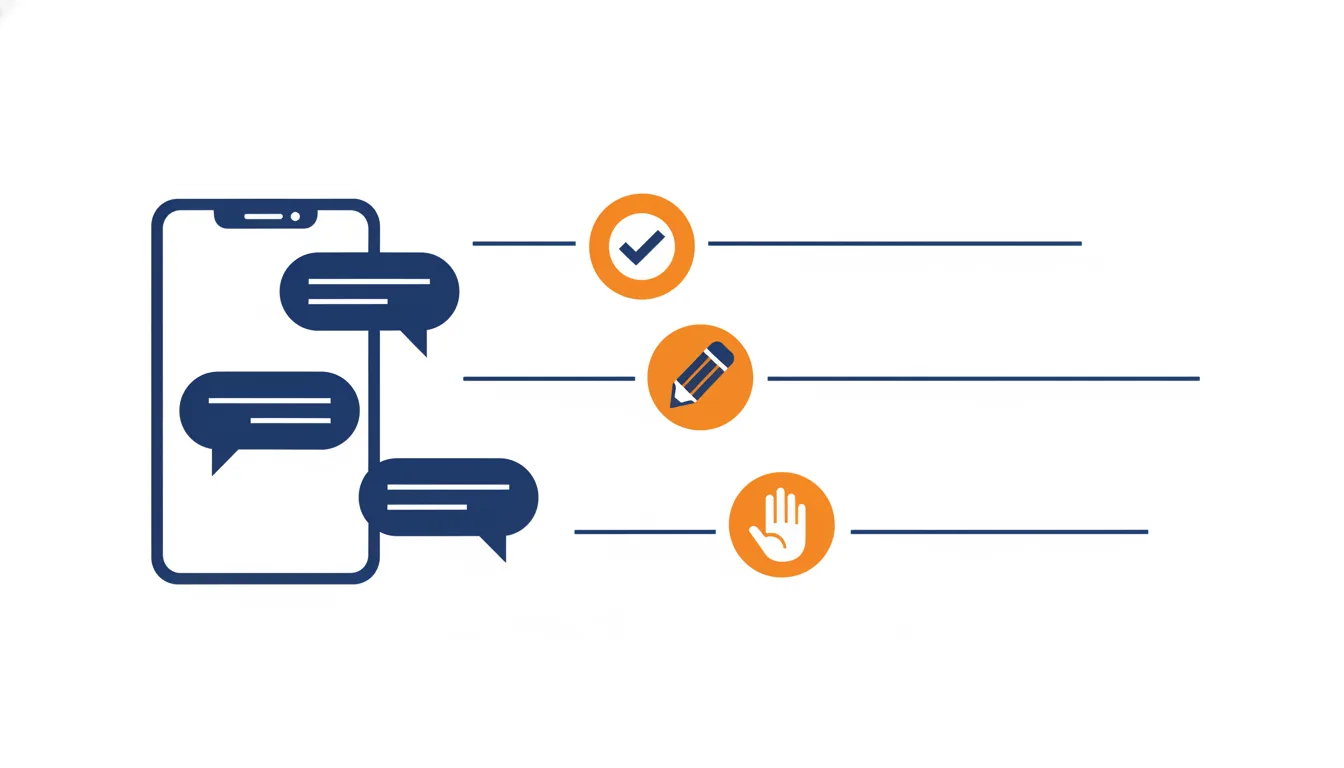
Use for stable facts: hours, links, location, basic booking instructions.
Use when the answer depends on price, timing, inventory, or customization.
Use for complaints, refunds, angry messages, and anything with risk.
Step 1: Separate marketing DMs from service DMs
Most small business inboxes have two kinds of messages.
Marketing DMs:
- “Link?”
- “Price?”
- “Do you ship?”
- “How do I book?”
- “Is this still available?”
- “Can I get the menu?”
Service DMs:
- “My order is late.”
- “Can I change my appointment?”
- “I am unhappy with the result.”
- “I need this by Friday.”
- “Can you customize this?”
Marketing DMs can often be automated or drafted. Service DMs need more care because they affect trust, reviews, refunds, and repeat business.
Step 2: Build your automation map
Use this simple map before touching any tool.
| Message type | Automation level | Example |
|---|---|---|
| Link request | Auto-send | “Here is the booking link.” |
| Hours/location | Auto-send | “We are open Tue-Sat…” |
| Price range | Draft or auto-send | “Most custom pieces start at…” |
| Appointment change | Draft only | Requires calendar context. |
| Refund/complaint | Human only | Too much risk for auto-send. |
| Custom order | Draft first | Needs detail and capacity check. |
If you cannot fill this table, you are not ready for automation yet. You are still figuring out your customer service policy.
The rule
If a wrong answer would only be mildly annoying, automation can probably help. If a wrong answer would cost money, trust, or a review, keep a human in the loop.
Step 3: Write replies that sound like a person
Bad automation:
Thank you for your inquiry! We appreciate your interest in our products. Please visit our website for more information.
Better:
Yep, we ship. Most orders go out in 3-5 business days. If it is a custom piece, send me the date you need it by and I will check first.
The second reply works because it answers the question, sets expectations, and asks for the next useful detail.
Step 4: Use triggers only where the customer expects them
Keyword triggers work well for:
- Comment-to-DM campaigns.
- Giveaway entry instructions.
- Product drops.
- Lead magnets.
- Booking links.
- Menu links.
They work poorly for messy customer questions. If a customer writes, “Can you make this in blue but with my dog on it and ship before my mom’s birthday?” a keyword flow will probably fail.
That is where AI drafts or saved reply libraries are better than rigid flow builders.
Step 5: Measure the right things
Do not measure automation success by “number of messages sent.” That rewards spam.
Track:
- First response time.
- Number of conversations that got a useful answer.
- Link clicks from inbound questions.
- Bookings or orders from DMs.
- Messages escalated to the owner.
- Complaints caused by incorrect replies.
The best automation reduces missed opportunities without creating cleanup work.
A simple first-week setup
Day 1: Export or copy your last 50 Instagram DMs.
Day 2: Group them into 8-12 question types.
Day 3: Write one approved answer for each type.
Day 4: Mark each answer as auto-send, draft-only, or human-only.
Day 5: Add links, policies, prices, shipping timelines, and booking rules.
Day 6: Test with real wording from past customers.
Day 7: Turn on automation for only the safest two categories.
Where Dashi fits
Dashi is useful when your messages are too varied for simple keyword triggers but still repetitive enough that the owner should not start from scratch every time.
It should not replace your judgment. A good workflow is:
- Dashi drafts the reply.
- You approve or edit it from your phone.
- Only very safe, repetitive answers become auto-send later.
That is the sweet spot for small businesses: faster replies without letting automation make promises you cannot keep.
Want this workflow in your own inbox?
Dashi turns your approved answers, policies, and examples into reply drafts you can approve from your phone.
See how Dashi works